
Discover Proofs
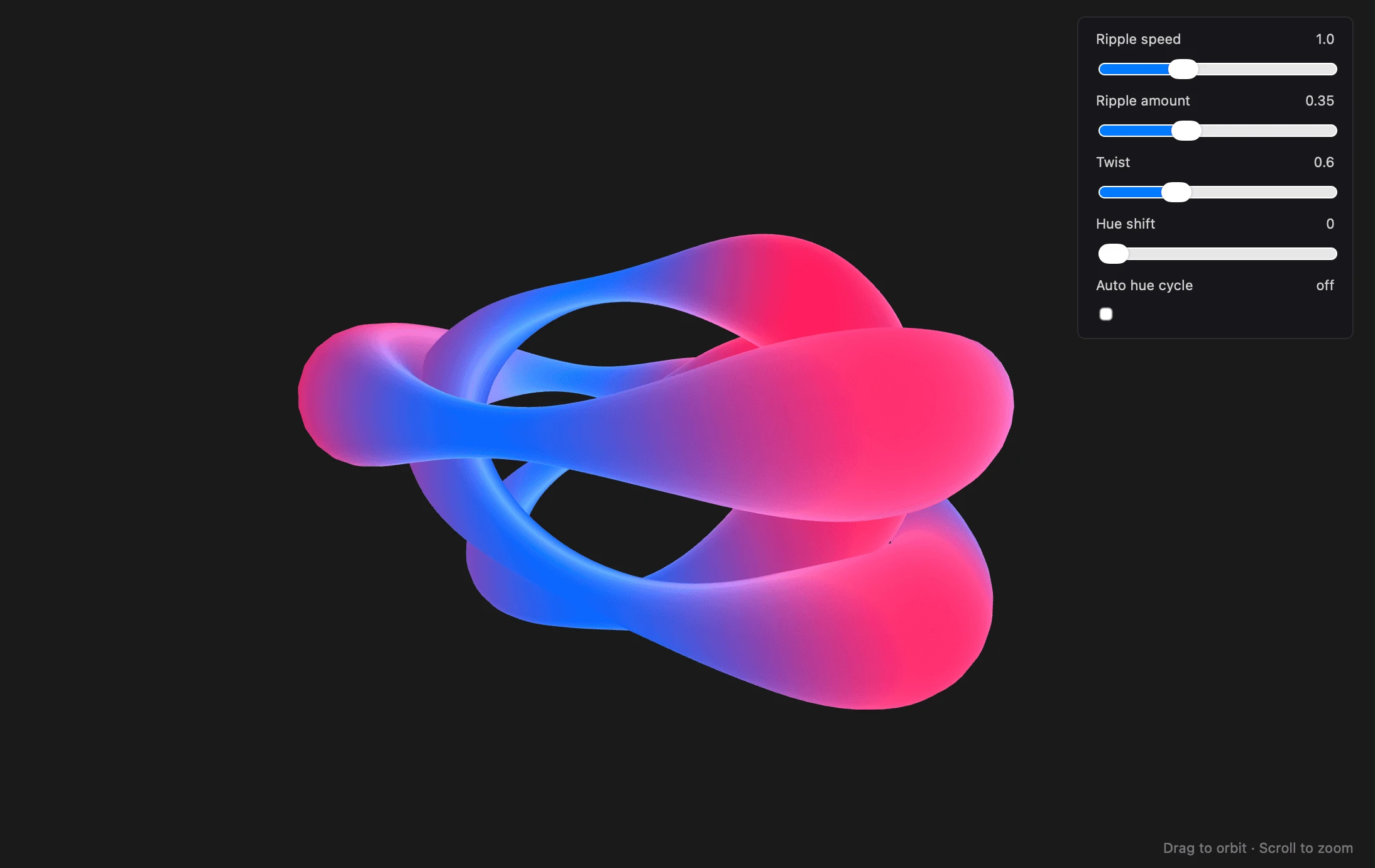
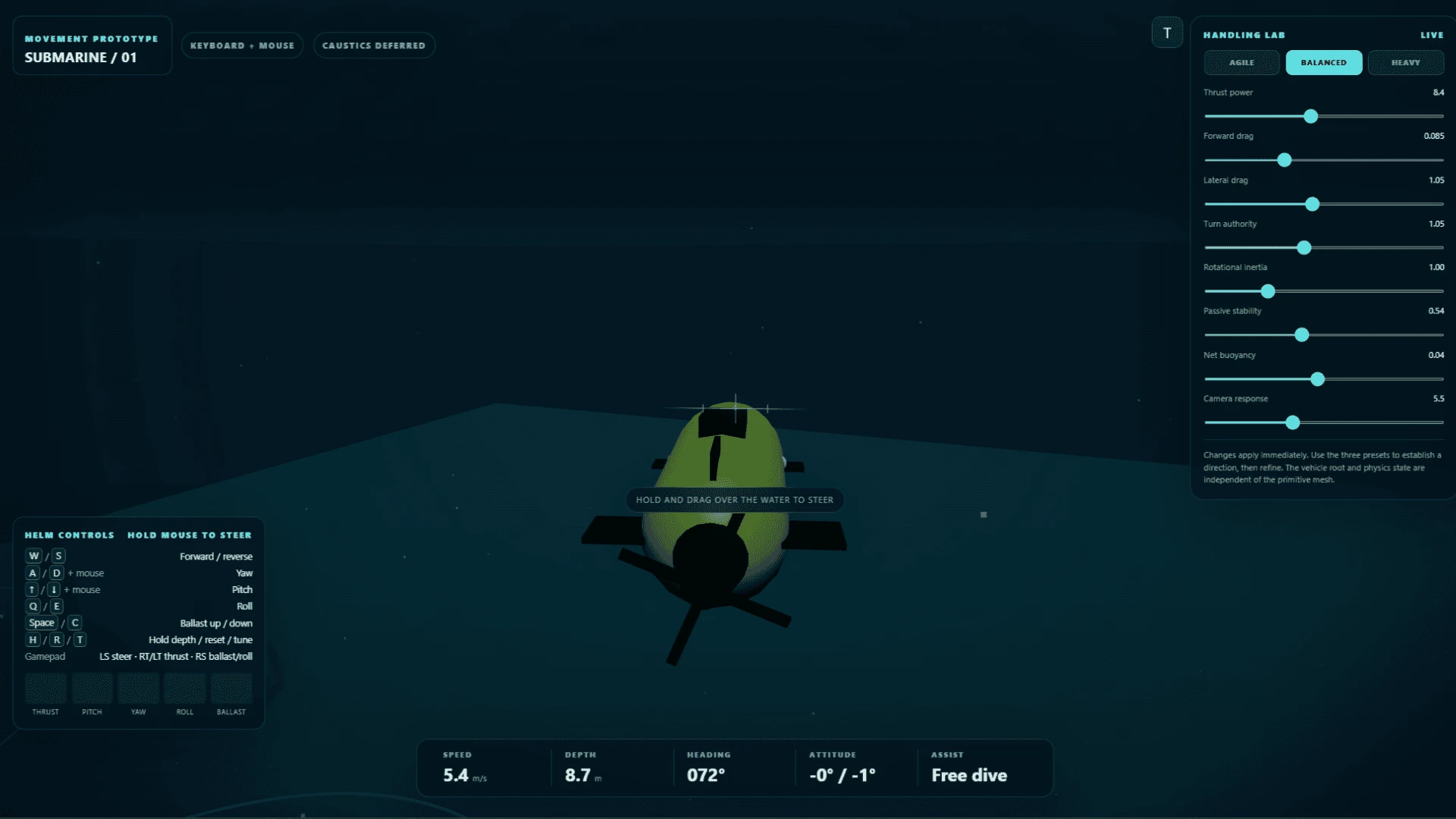
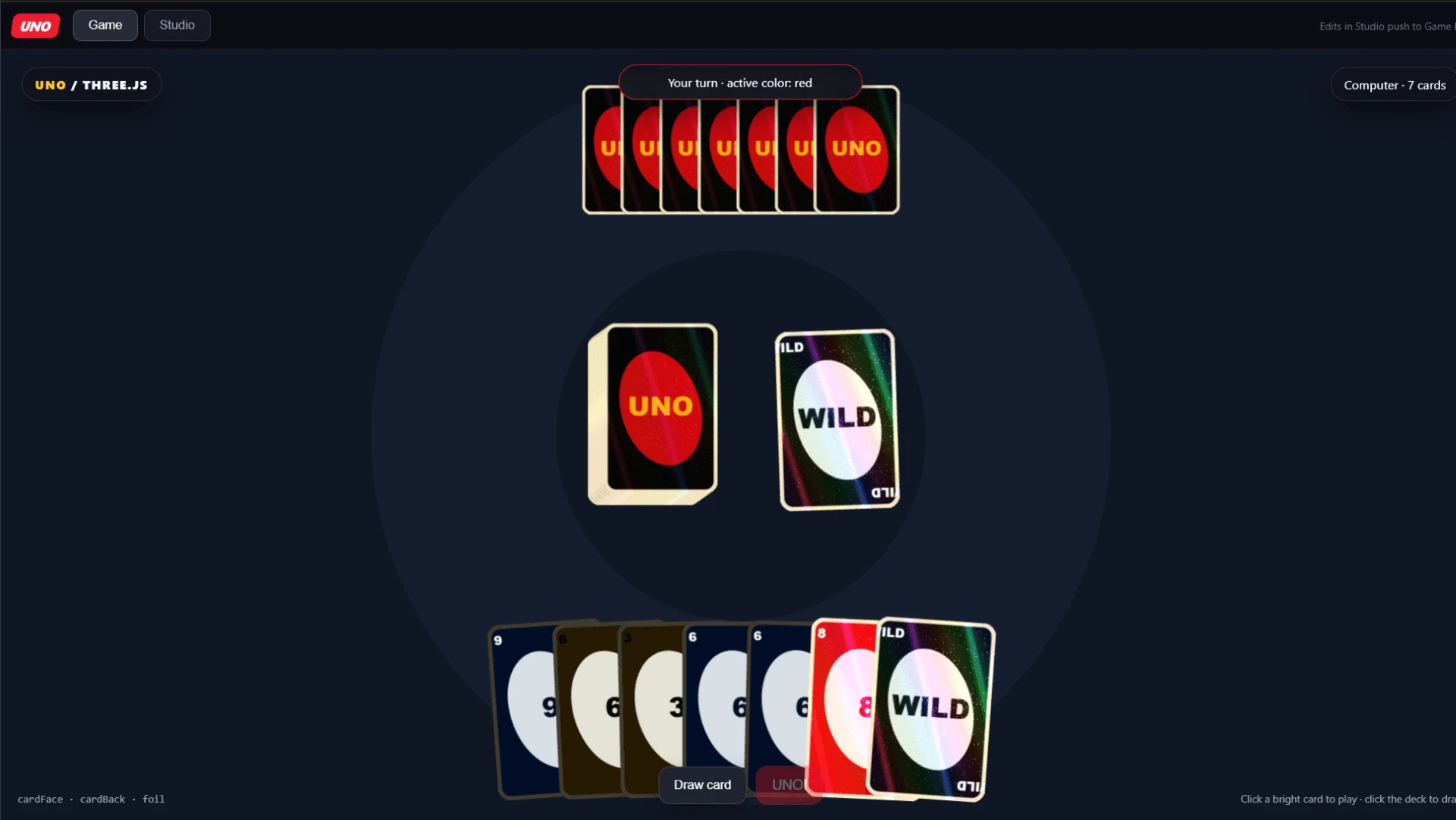
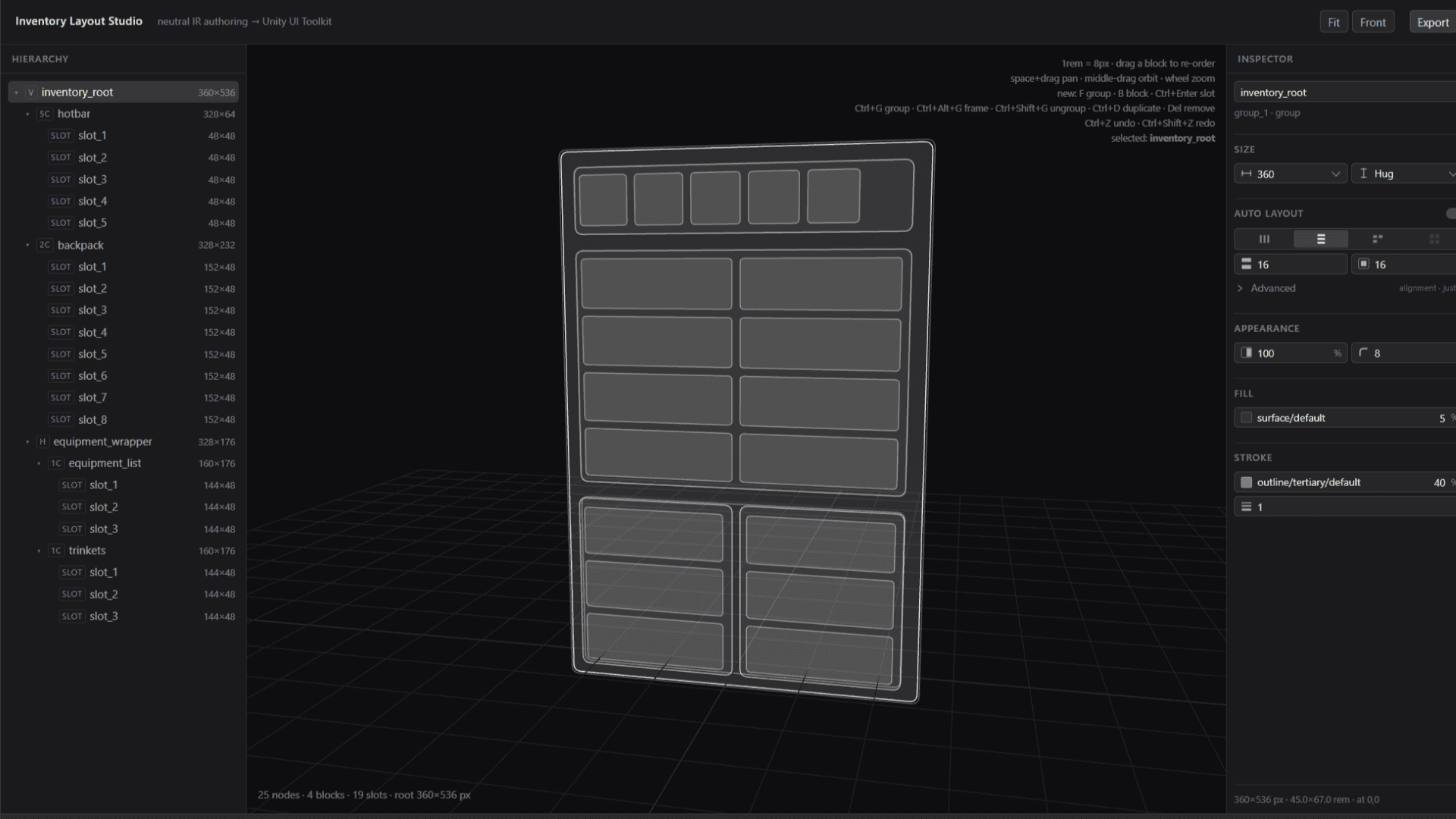
Get started with Proofs made by the Bezi community. From shader labs to mechanic prototypes to UI structure builders, each one is an interactive tool built for a specific situation - designed to be tested, changed, and made yours. Import the link or .zip file into Bezi to try one.
Learn more about the thinking behind Proofs.
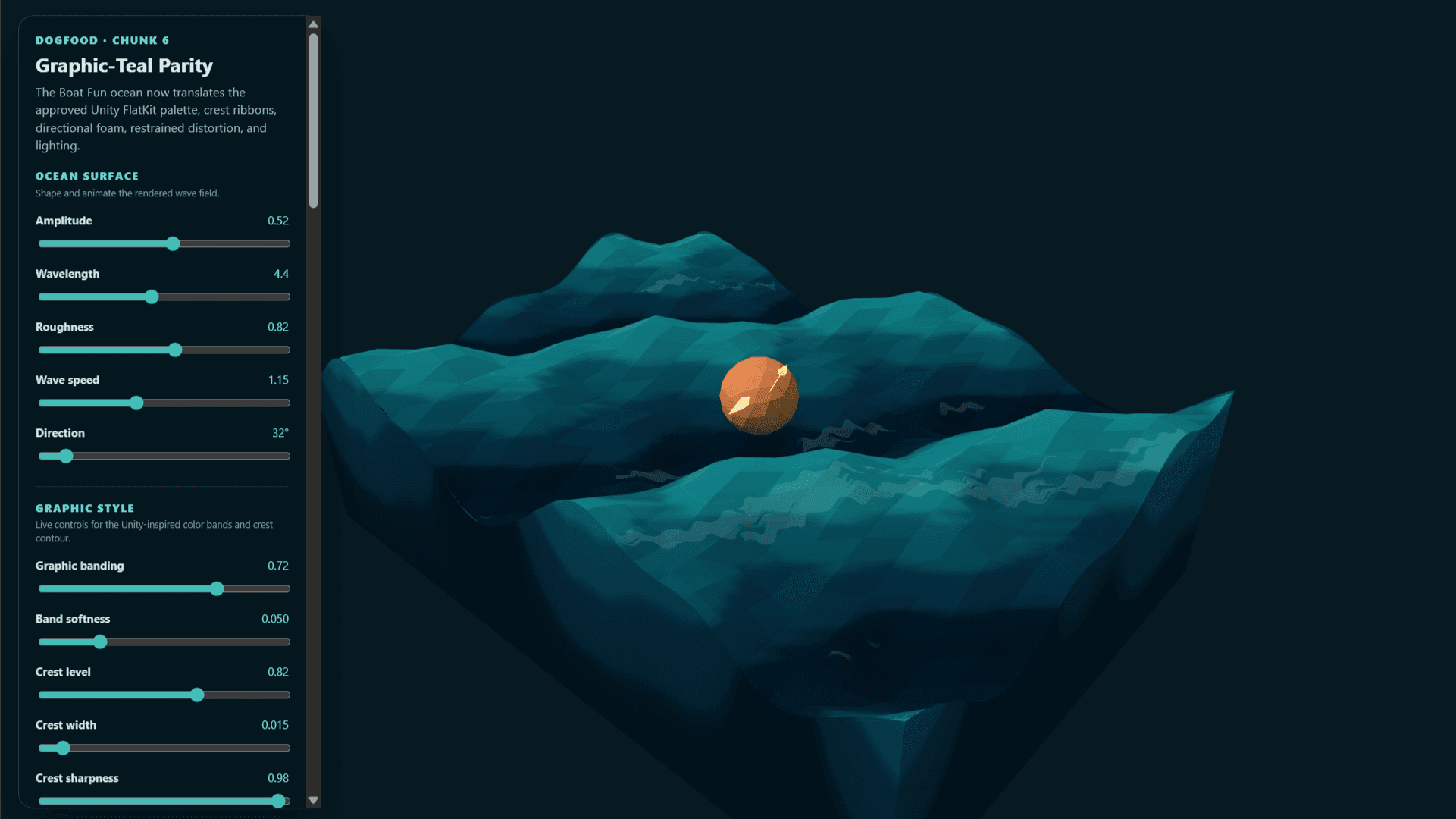
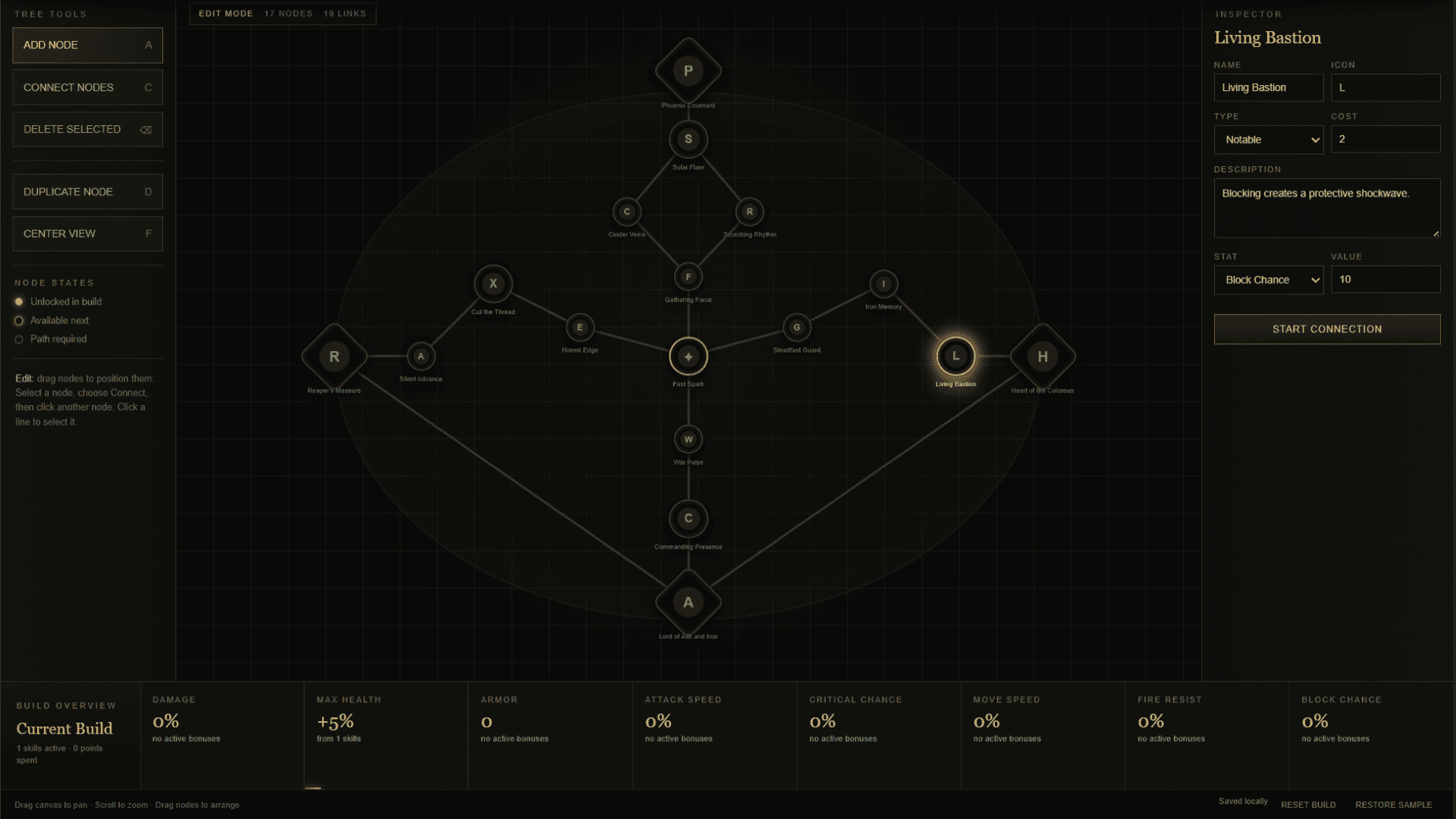
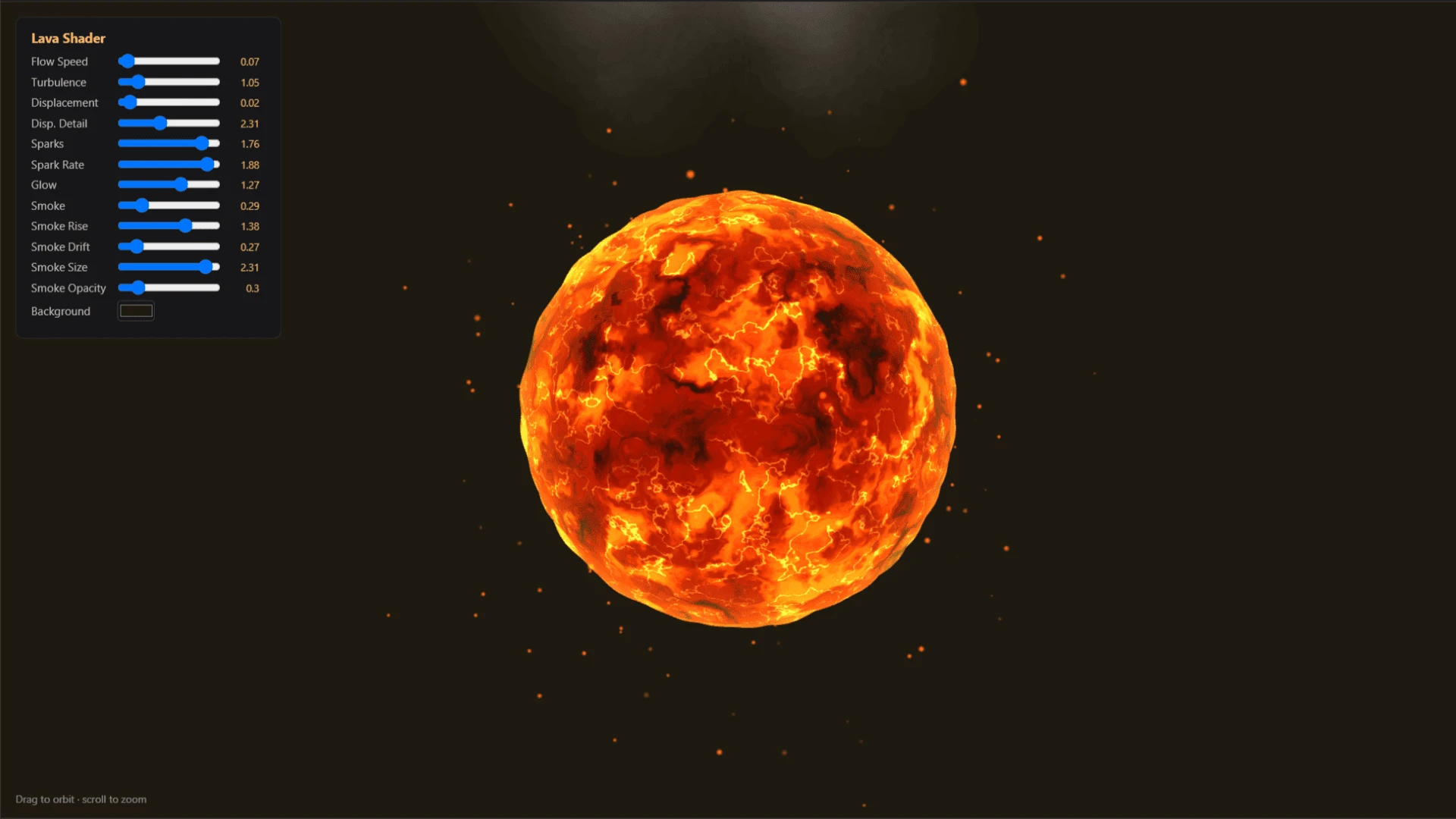
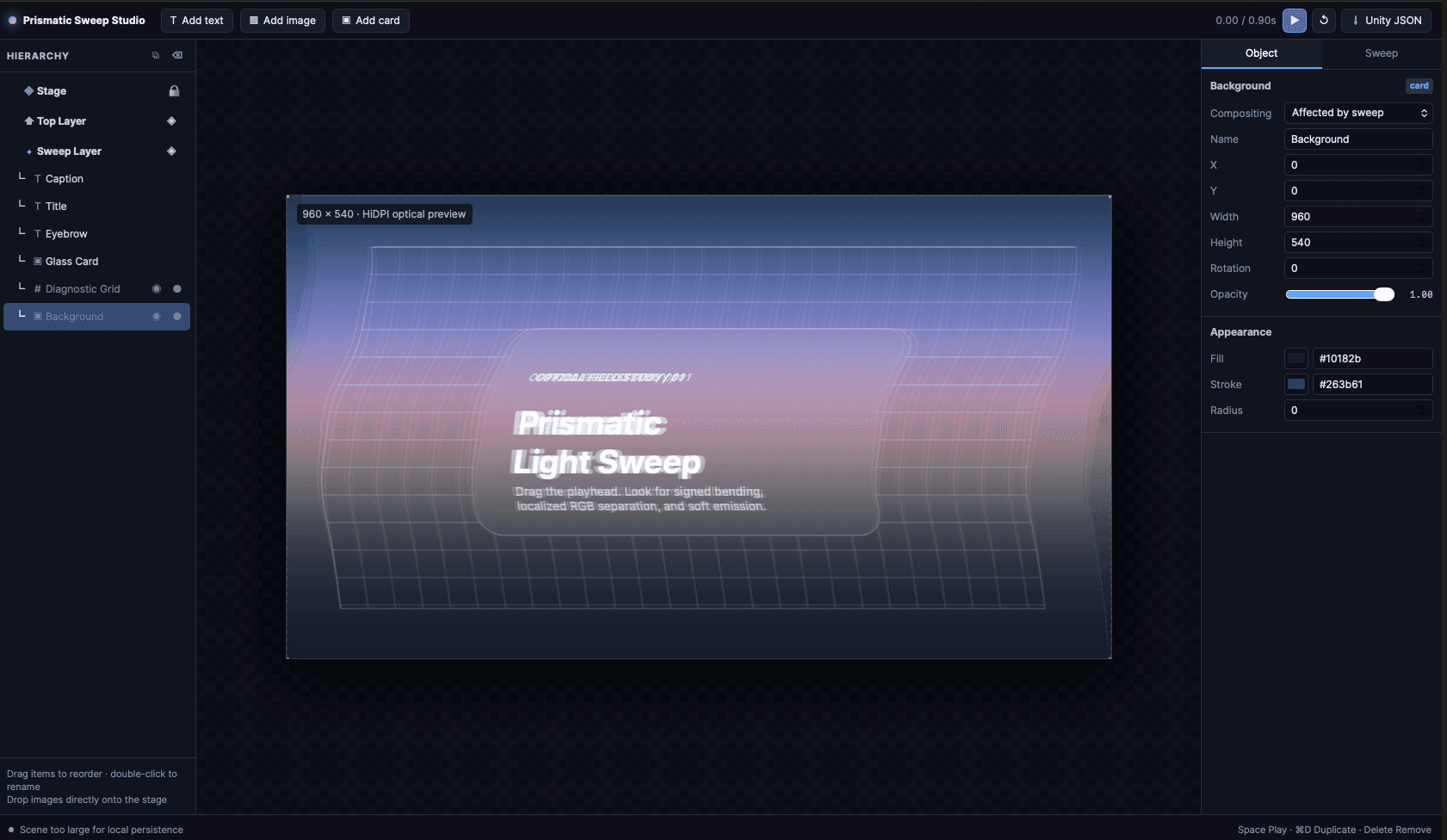
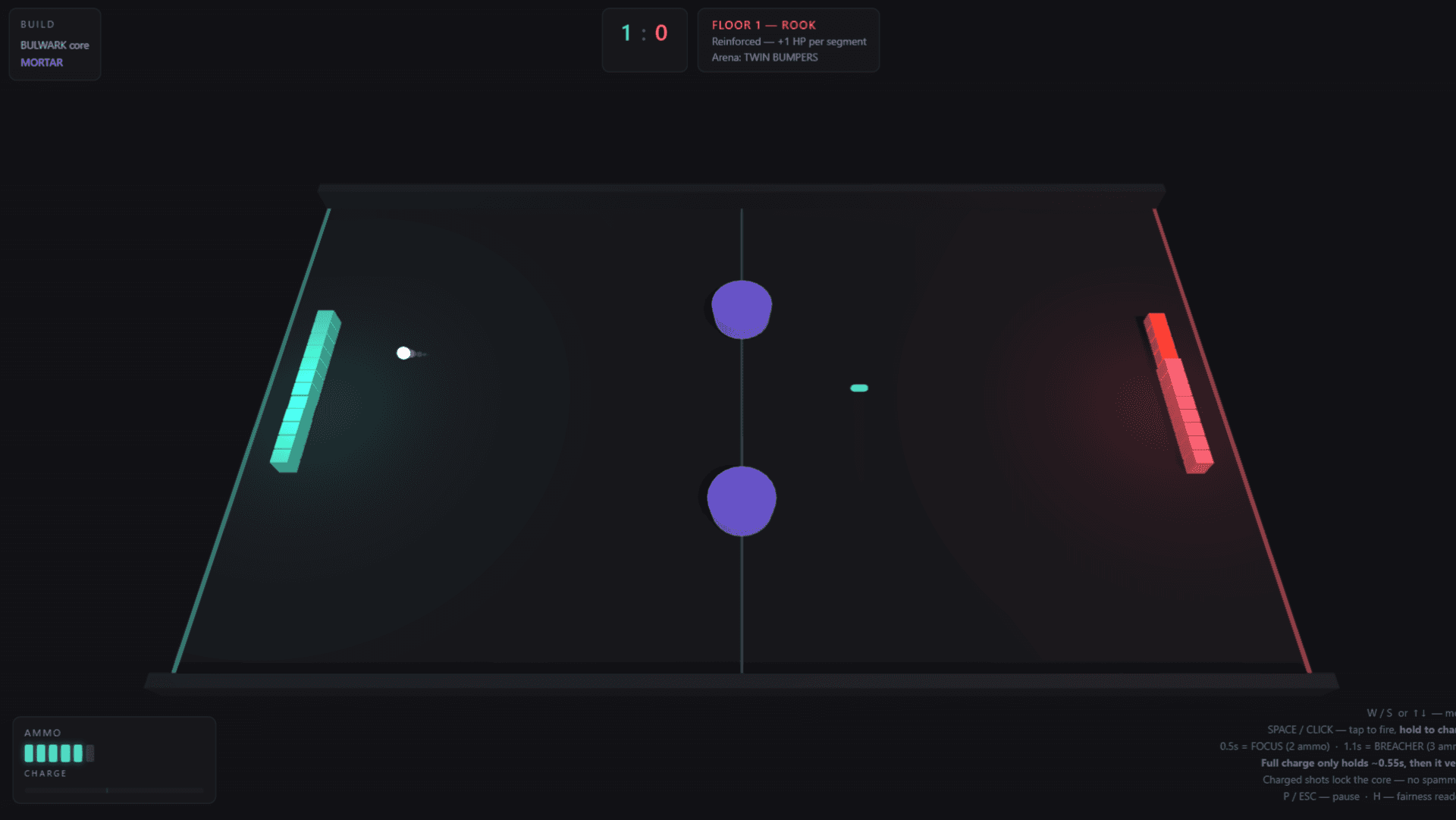
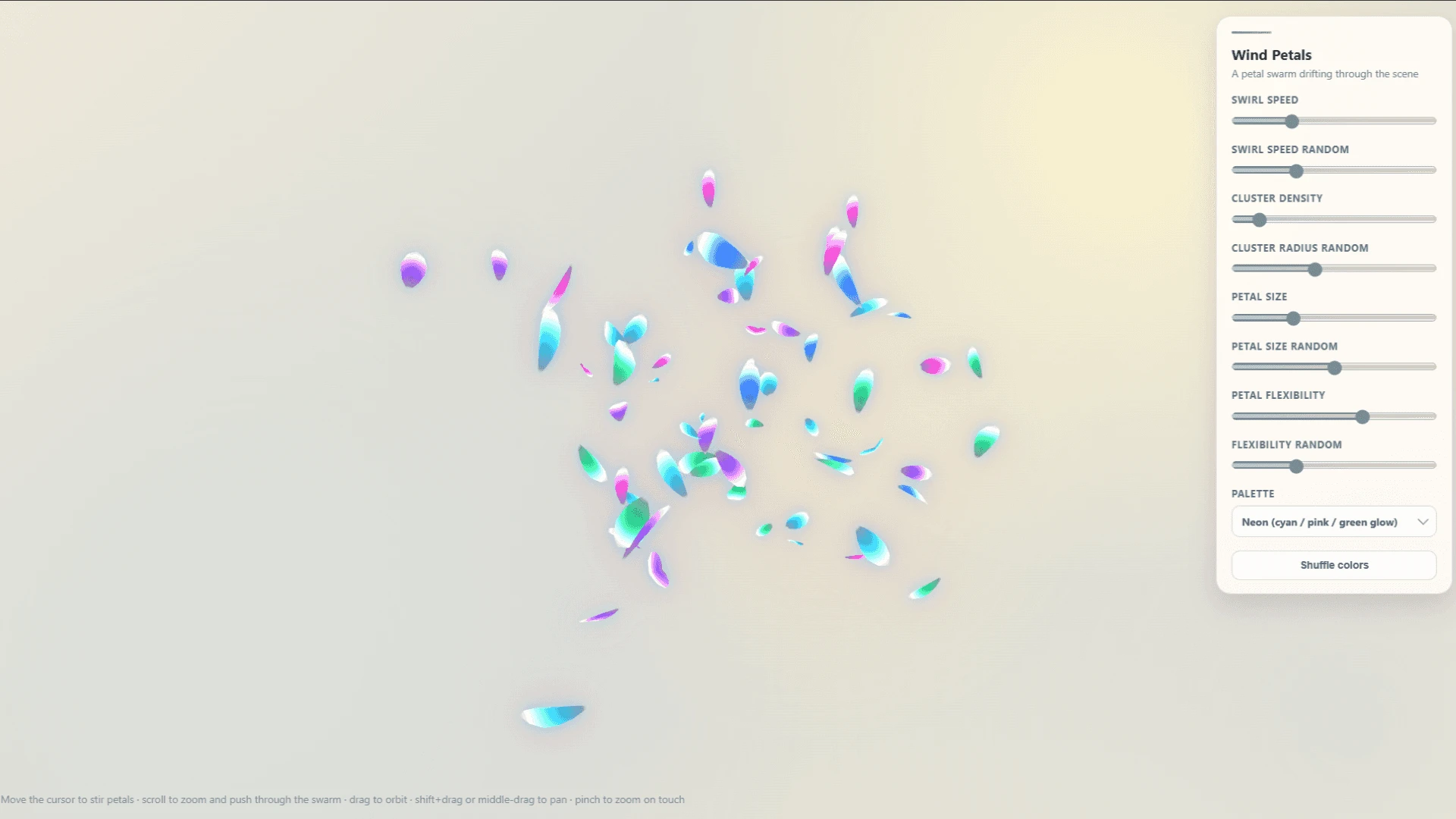
What exactly are Proofs?
Proofs are interactive tools and mini-applications built and housed in Bezi. Unlike chat, which flattens visual work into text you have to imagine your way through, Proofs give you dynamic surfaces to work with, and your output goes into your engine when you're ready.
FAQs
How do I import Proofs into Bezi?
In the Bezi sidebar, click the Add button next to Proofs, then click Import. You can either upload a .zip or paste in a link. Every Proof in this gallery comes with both.
How do I create a Proof?
Click the Add button next to Proofs in the sidebar, then Create with Thread. Describe what you want and Bezi makes it. Say what the tool needs to do, then keep refining until it's right.
How can I use this for my game engine workflow?
Work in the Proof until it does what you want, then tell Bezi to implement it in the engine. What crosses over depends on the Proof (i.e. a layout, a dialogue tree, or the data behind it).
For ideas, look at what you're already tediously working around, like the spreadsheets you keep outside the engine or the numbers you tune by entering Play Mode over and over. Then, create a Proof to use as a sandbox for quick testing and iteration before pushing into the engine.
Can I share Proofs with others?
At the top right of any Proof, click Share. From there you can export it as a .zip to send directly, or publish to web for a URL anyone can open.
Can I get one of mine in the gallery?
If you've made something useful, impressive, or straight up cool, share it with us in the Discord. We'll keep adding Proofs from the community as people make them.