
Workflow
Building Multiplayer Games Across Client, Server, and Shared Code in Unity
Sky Copeland
Game Developer
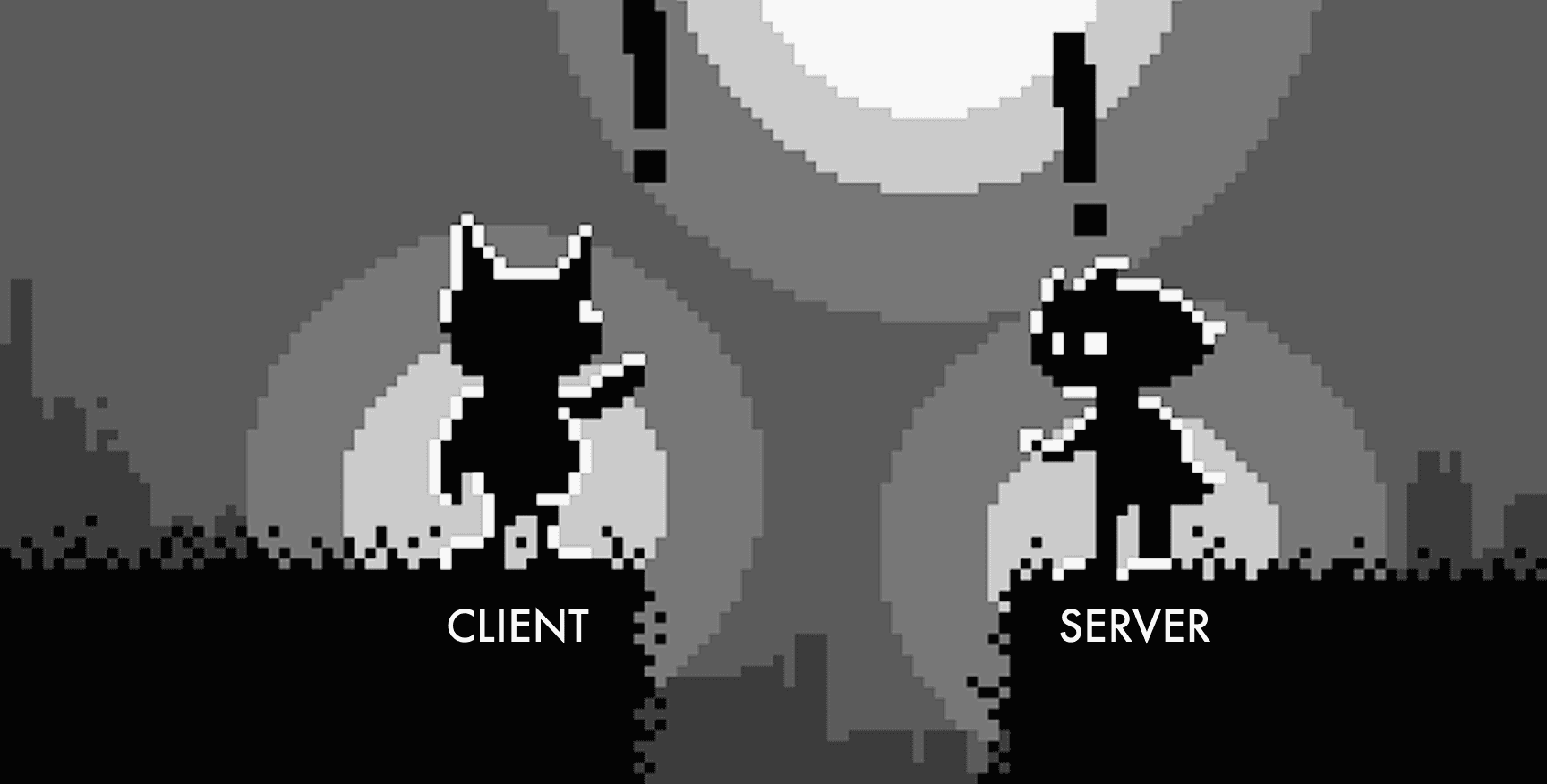
The real complexity in multiplayer is the boundary between client and server.
Multiplayer games are built in pieces that do not live in the same place. The Unity client is one codebase. The game server is often another, written in Go, JavaScript/TypeScript, or C# targeting .NET, running on infrastructure that has nothing to do with the engine. Holding the two sides together is a shared contract of message types, validation rules, and data structures that both codebases depend on.
The hard parts of multiplayer development are rarely located inside any one of these pieces. They live in the boundaries between them. A client-side feature has to know what the server will actually send back. A change to the data contract has to land in three places at once. A new developer joining the team has to understand two systems plus the protocol that connects them before they can ship anything.
Bezi, with the latest Workspaces update, has context across all of those boundaries simultaneously. You connect your Unity client project, your server project, and the source project for your shared assembly to a single Workspace, and Bezi indexes all of them. When you're building a client-side feature that depends on server data, Bezi already knows the message schema, the validation rules, and the endpoint behavior, because it has read both sides. When a teammate is working on the server, their Bezi has the same awareness. The contract between your client and server stops being something you hold in your head and re-explain to your tools. It becomes part of what your tools already know.
How Workspaces connects your client, server, and shared assembly
A Workspace groups related projects together and holds Pages, durable documents that serve as shared AI context across every connected project. For a multiplayer team, the setup looks like this: connect the Unity client, the server project, and the common assembly source to a single Workspace. Pages documenting your wire protocol, validation rules, tick rate expectations, and reconnection behavior live at the Workspace level and become active context for every member of the team, in whichever project they happen to be working in.
Only one project is active per thread, but users can have multiple threads open across a Workspace. This means each thread always knows which codebase it is allowed to modify, and a thread working on a client feature cannot accidentally write changes into the server build. At the same time, a developer can have one thread open in the client project and another in the server project, with both threads drawing from the full cross-project context.
Building features against the client-server contract
The practical workflow this enables looks a lot like how experienced multiplayer teams already operate.
Week one is data contract work. The client and server engineers define the message types, endpoints, validation rules, and error states, and write them into a shared Page. That becomes active knowledge that Bezi pulls from every time either engineer asks a question or writes code that touches the contract. When the server engineer adds a new error code midweek, the update lands in the Page and both sides see it immediately, without a round of "did you see my PR" or "is this still the right schema."
Week two is parallel build. The server engineer works in the server project with the Unity project as read-only context. The client engineer works in the Unity project with the server project as read-only context.
This is where the cross-project awareness actually matters in practice.
When the client engineer asks Bezi to wire up the inventory screen, Bezi can read the server endpoint that provides loadout data, understand the PlayerLoadout message structure and its serialization rules from the shared assembly, and generate client-side deserialization code that conforms to the actual contract.
Bezi then configures the Unity UI components that present the data in the scene, referencing the correct types from the shared assembly throughout. The code is correct on the first pass because Bezi has already read both sides.
A change that needs to land on both sides is still two edits in two threads, because each thread is scoped to one project. But it is one conversation with a system that understands both. When the server engineer updates the PlayerLoadout message to include a new equipped_cosmetics field, the client engineer's next prompt already reflects that change. No re-explanation, no stale type definitions copied into a chat window, no deserialization mismatch discovered at runtime.
Debugging desync bugs across the client-server boundary
Desync bugs are one of the defining pains of multiplayer development: the client thinks one thing is true, the server thinks another, and the player sees something that should not be possible. Chasing one of these typically means two developers with two debuggers attached to two builds, reading each other's code in real time and guessing at where the states diverged.
When the relevant projects are in a Workspace, the investigation gets a lot shorter. The client engineer describes the symptom to Bezi and asks it to trace the lifecycle of the affected state across both codebases: starting from the input on the client, through the message sent to the server, through the server's validation and mutation, and back through the state update broadcast to clients. Bezi reads both sides and can point to the specific place where the two diverge, with enough context to propose a fix grounded in both the client's expectations and the server's authoritative rules.
The Pages documenting the wire protocol matter here. The assumptions encoded in them are what make it possible to distinguish a bug from an intentional design decision. A field that appears to be missing from a server response might be correctly omitted based on a visibility rule documented in the protocol Page, or it might be the source of the desync. Bezi can check, because both the code and the documented intent are in its context.
Once Bezi proposes a fix, Vision can close the loop. Bezi captures the Game view to verify that the client-side state renders correctly after the correction, confirming the desync is resolved without the developer needing to manually play through the scenario and check.
Cross-project context for multiplayer teams
Bezi understands both sides of your multiplayer game at once, and that cross-project context changes what you can do in the daily work of building features, chasing bugs, and keeping a team aligned across the client-server boundary.
Workspaces is available now on all paid Bezi plans. Connect your multiplayer projects and start building with full cross-project context.
Ready to get started? Try Bezi for free below.
Build in parallel—
With teammates; with resources;
With Bezi, with care.
Haikus by Bezi